Clone in VS Code 作者: Ahnaf Mahmud
Clone any GitHub, GitLab or Bitbucket repository in Visual Studio Code
21 个用户21 个用户
扩展元数据
屏幕截图
关于此扩展
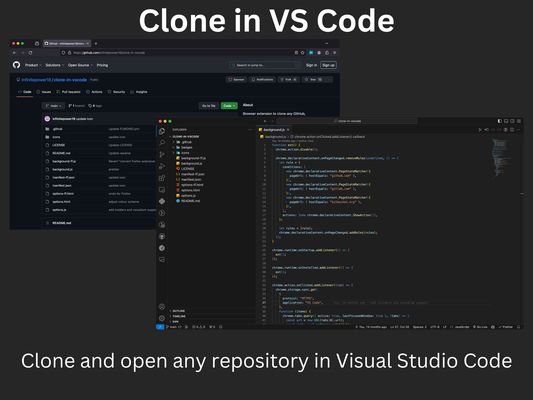
A browser extension to clone any GitHub, GitLab or Bitbucket repository in Visual Studio Code with just one click.
All you need is Visual Studio Code installed on your system for this extension to work. Then just click the extension on any GitHub, GitLab or Bitbucket repo and it will open VS Code where it will take you through the rest of the cloning process.
The extension also supports other variations of VS Code such as VSCodium and Cursor. You can change which application the extension opens via the options page.
All you need is Visual Studio Code installed on your system for this extension to work. Then just click the extension on any GitHub, GitLab or Bitbucket repo and it will open VS Code where it will take you through the rest of the cloning process.
The extension also supports other variations of VS Code such as VSCodium and Cursor. You can change which application the extension opens via the options page.
评分 5(1 位用户)
权限与数据
更多信息
- 版本
- 1.4.0
- 大小
- 22.29 KB
- 上次更新
- 1 年前 (2024年12月8日)
- 相关分类
- 许可证
- MIT 许可证
- 隐私政策
- 阅读此附加组件的隐私政策
- 版本历史
- 添加到收藏集