Netflix Disney+ Hide UI 作者: Slezak
This addon hides the UI for Netflix, Disney + or Prime Video.
134 个用户134 个用户
扩展元数据
屏幕截图
关于此扩展
This addon hides the UI for Netflix, Disney + or Prime Video.
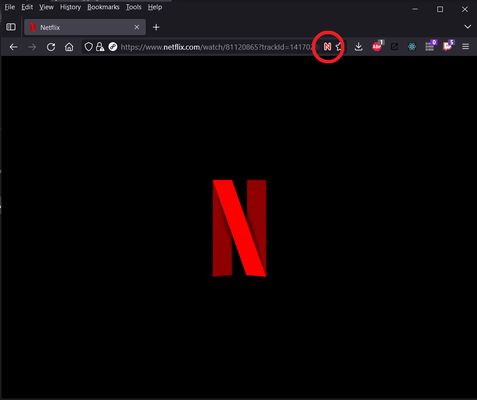
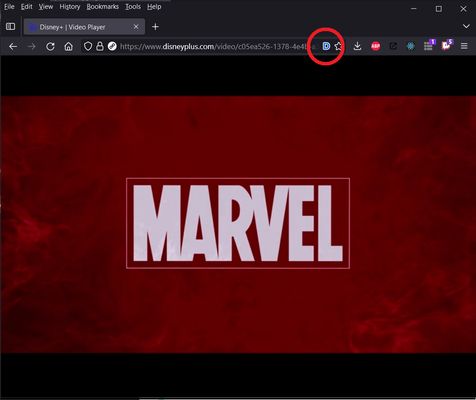
When watching a video on Netflix, Disney Plus or Prime Video, click the N, D or A icon in the url bar to hide all the controls for the video player. They will remain hidden even while moving your mouse over the video. Click the N, D or A icon again to turn the controls back on.
Alternatively, you can use the keyboard shortcut Ctrl + Alt + H to toggle between hidden UI and visible UI. The keyboard shortcut can be changed in the Firefox Addon Manager.
When watching a video on Netflix, Disney Plus or Prime Video, click the N, D or A icon in the url bar to hide all the controls for the video player. They will remain hidden even while moving your mouse over the video. Click the N, D or A icon again to turn the controls back on.
Alternatively, you can use the keyboard shortcut Ctrl + Alt + H to toggle between hidden UI and visible UI. The keyboard shortcut can be changed in the Firefox Addon Manager.
评分 4.4(1 位用户)
权限与数据
更多信息