PassEye | Revealing passwords 作者: Sineway
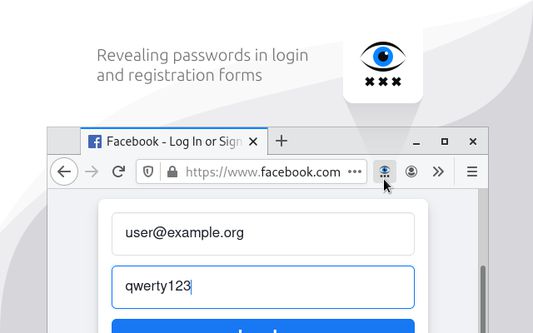
Revealing passwords in login and registration forms
98 个用户98 个用户
扩展元数据
屏幕截图
关于此扩展
§ 1. How to use
- Click the toolbar icon
- Or use keyboard shortcut «Alt+Shift+R»
- Or open the context menu by hovering over the password field and select «Reveal password»
§ 2. How it works
When you run the extension, it finds all the standard <input type=password> elements on the page and changes the value of the type attribute.
§ 3. Limitations
- Special pages where extensions cannot work.
- Form in <iframe> from another website (cross-site security policy).
- Password field implemented without <input type=password> element.
- Click the toolbar icon
- Or use keyboard shortcut «Alt+Shift+R»
- Or open the context menu by hovering over the password field and select «Reveal password»
§ 2. How it works
When you run the extension, it finds all the standard <input type=password> elements on the page and changes the value of the type attribute.
§ 3. Limitations
- Special pages where extensions cannot work.
- Form in <iframe> from another website (cross-site security policy).
- Password field implemented without <input type=password> element.
评分 5(1 位用户)
更多信息
- 附加组件链接
- 版本
- 3.2.0
- 大小
- 29.8 KB
- 上次更新
- 4 年前 (2022年4月12日)
- 相关分类
- 许可证
- 保留所有权利
- 版本历史
- 添加到收藏集